Network Graphs with Images

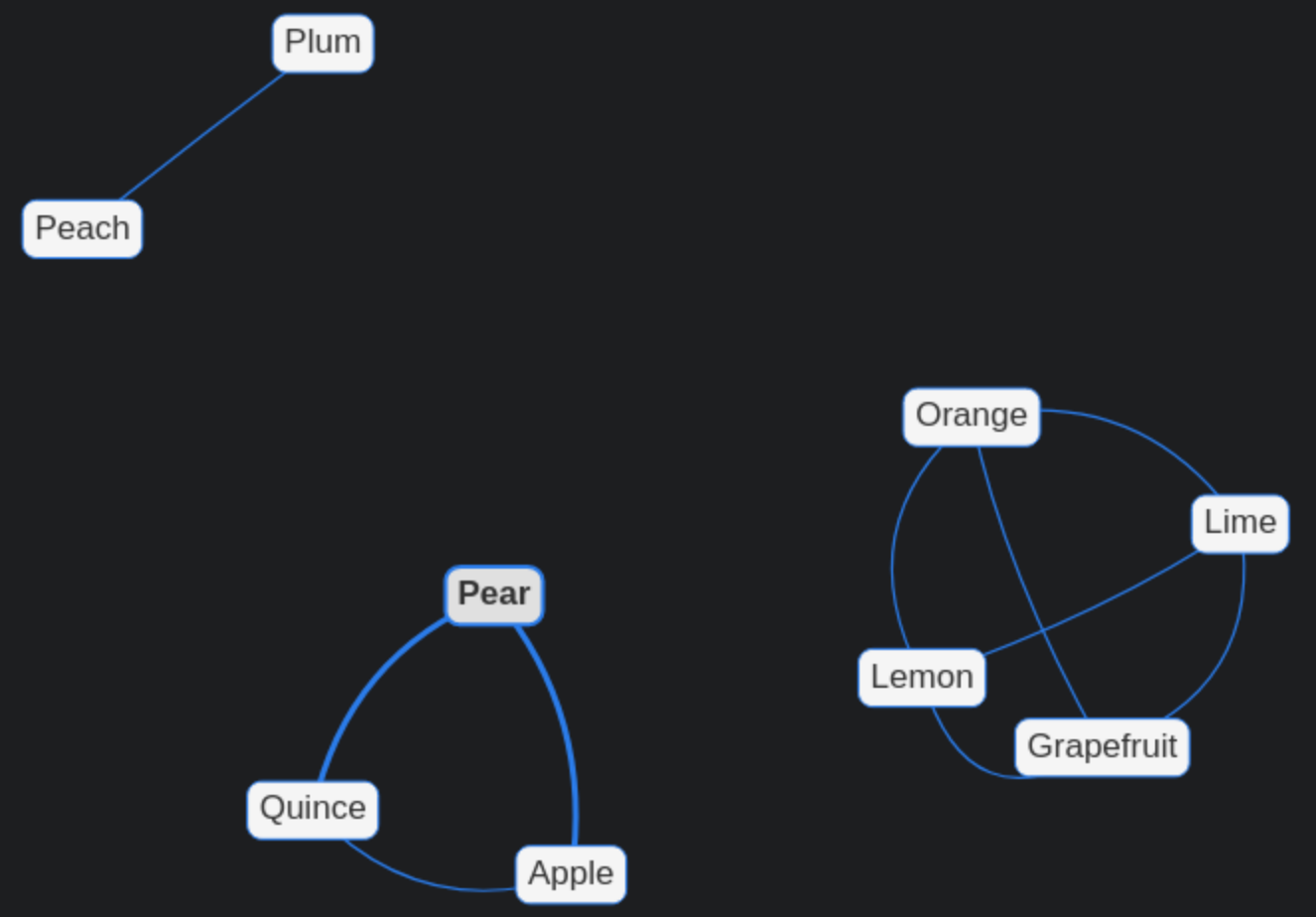
This is a follow-up to the previous post Network Graphs in Hugo. I’m feeling fruity. These aren’t all tree fruits, but a few clusters organized by tree grafting compatibility. Data for the network is stored in two separate JSON files in this page bundle: nodes.json edges.json The shortcode and post-local javascript work together: ...

December 21, 2022 129 words

Network Graphs in Hugo

This is a simple toy to see how a network graph can be added in a Hugo article. I’ll be testing new features on it as I learn new things. Relative to the root of the Hugo website directory, here’s some basic files to make this interactive. Note that The JSON data and CSS is added inline here to make the scope of this tutorial focus on Hugo-specific structures. ...

December 9, 2022 146 words

Updated Nginx configuration with Let's Encrypt headers

I’ve added a new security_headers.conf file in /etc/nginx/ to keep all the HTTPS headers in one place: ...

April 3, 2017 263 words

Getting an A+ on Mozilla's HTTP Observatory

After I learned about Mozilla’s tool to test how secure your site is, I ran it on my site https://observatory.mozilla.org/analyze.html?host=brege.org and received an “F”. ...

January 9, 2017 108 words

New way forward for deploying brege.org

ssh’ing into my Digital Ocean droplet has become rather annoying for maintaining this website. Particularly annoying is dealing with images on two different filesystems. In the README (commit 1a0ee5a), I describe the steps I have been doing to publish an article to https://brege.org. I tried implementing this method, but it is very long and requires many modifications to the post-receive hook to get it working on a per-user basis. Here I outline a way to do this in a more conservative manner. ...

October 18, 2016 294 words

Adding desktop entries in GNOME 3

Firefox Developer Edition has newer features than what was available from my distribution’s package manager (Fedora). Whereas I’ve been using it as my daily driver, I’ve had to do so through a terminal to launch it. With an alias in my ~/.bashrc such as dfox="~/Preview/firefox-developer/firefox --profile ~/.mozilla/firefox/7ahl24yk.default/' I was able to launch Firefox Developer quickly enough. Unfortunately, I found it annoying that I couldn’t just type [Super Key] + “Fire” in GNOME and be on my way to browsing the web. ...

October 17, 2016 448 words